
Service Overview
Features of Google RCS Messages
Corporate Communications with Branding
Distinguish by branding: Enhance your brand’s visibility in the SMS inbox using a distinctive sender ID and logo. Utilize a visually appealing interface to effectively engage customers.
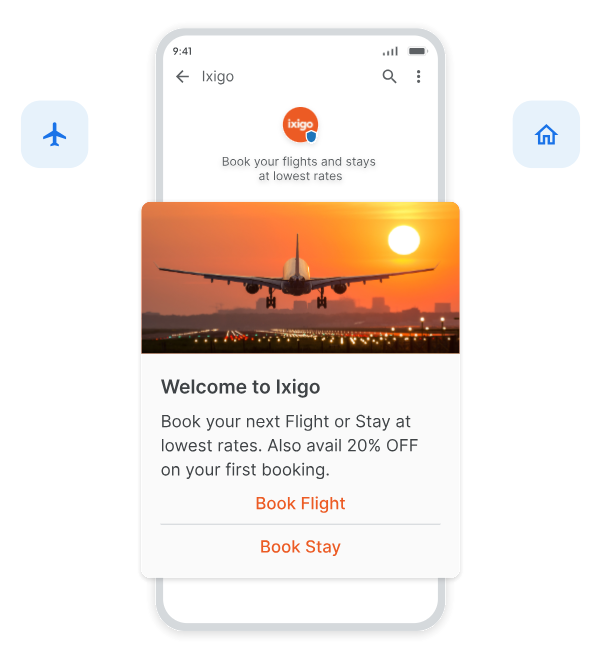
Provide Multimedia Interactions
Enhance your brand communication by delivering RCS messages that build trust. Incorporate your logo, brand name, videos, images, and carousels into your messaging to increase conversions.
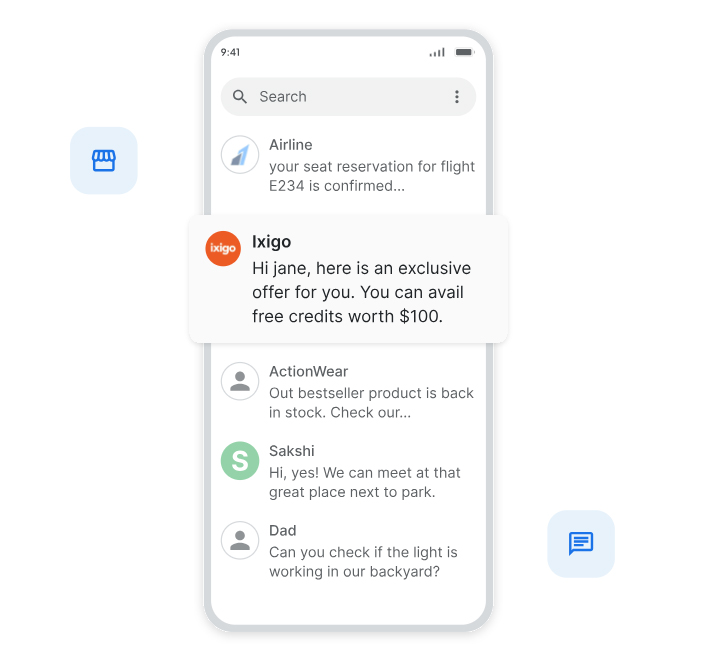
Boost Sales Through Interactive Conversations
Craft an engaging conversation experience with images, videos, carousels, and interactive action buttons. Stand out from competitors by sending engaging and reliable Google RCS messages that drive conversions.
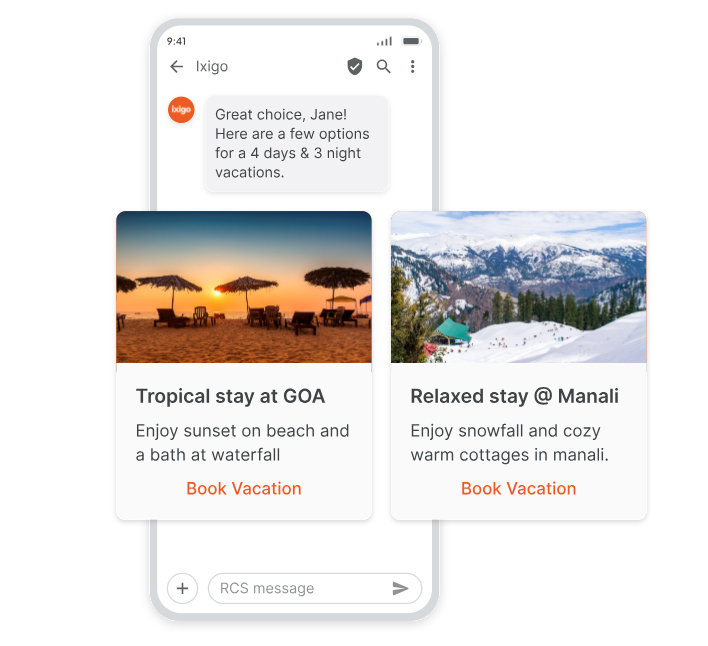
Enhanced Customer Trust
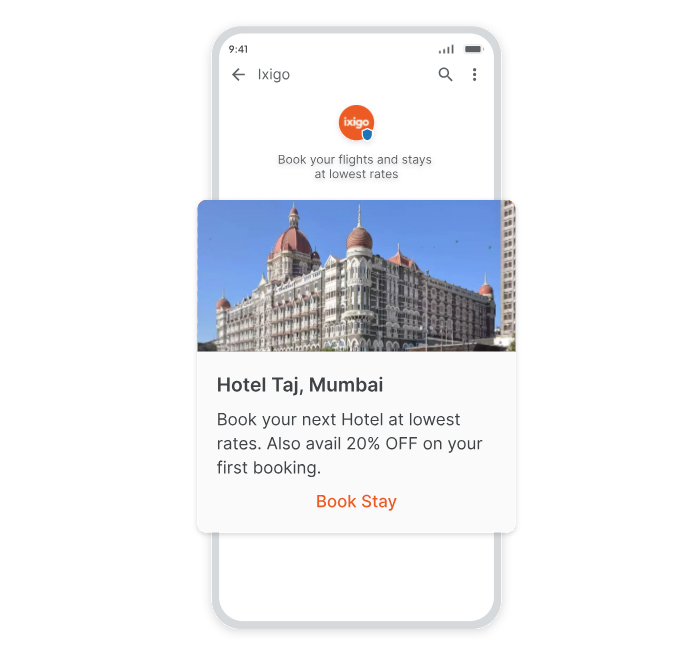
Understand your customer’s habits: Personalize your communication, and build lasting relationships that drive loyalty. Utilize verified and badged sender IDs vetted by Google for higher response rates and enhanced trust and credibility.
FAQs
What is RCS messaging? +
RCS (Rich Communication Services) is an upgrade to SMS, offering features like read receipts, typing indicators, multimedia sharing, and interactive buttons for a more engaging messaging experience.
How to send RCS messages +
To send RCS messages using an API, you can use Primetroniqinnovations’s services. With Primetroniqinnovations, businesses can integrate RCS messaging directly into their applications to reach customers more interactively. Alternatively, to send RCS messages on mobile, you can use an RCS-enabled app like Google Messages. Both the sender and recipient need to have RCS activated through their carrier or app settings for messages to be delivered with RCS features.
Is RCS available in India? +
Yes, RCS messaging is available in India through major carriers and supported apps, including Google Messages.
How to send RCS messages on Android +
Open Google Messages and go to Settings. Enable “Chat features” (RCS). Start a conversation with RCS-enabled contacts.
How to send RCS messages on iPhone +
Currently, iPhones do not natively support RCS. However, RCS features can be accessed through third-party apps on both iPhone, although they are less common.
How to Send RCS Messages Using Primetroniqinnovations +
- Sign Up on Primetroniqinnovations: Create an account on Primetroniqinnovations, an RCS messaging provider.
- Set Up RCS Messaging: Contact Primetroniqinnovations to enable RCS for your business account. You’ll get API access for RCS messaging.
- Configure API Integration: Use Primetroniqinnovations’s RCS API documentation to integrate RCS with your application or CRM for automated messaging.
- Compose and Send Messages: Customize your message with images, videos, carousels, or buttons, and send them directly to RCS-enabled contacts.
- Track Engagement: Monitor message delivery, read receipts, and customer responses to enhance engagement.
Key Features & Integration
Enterprise Grade Deployment
Scalable and high-availability architecture with zero data loss.
Supported Technology Stack
Initiate Consultation & Get a Quote
Speak with our solutions architects today to discuss deployment timelines, direct integration APIs, DLT registrations, or custom design specifications.
Request Free Consultation